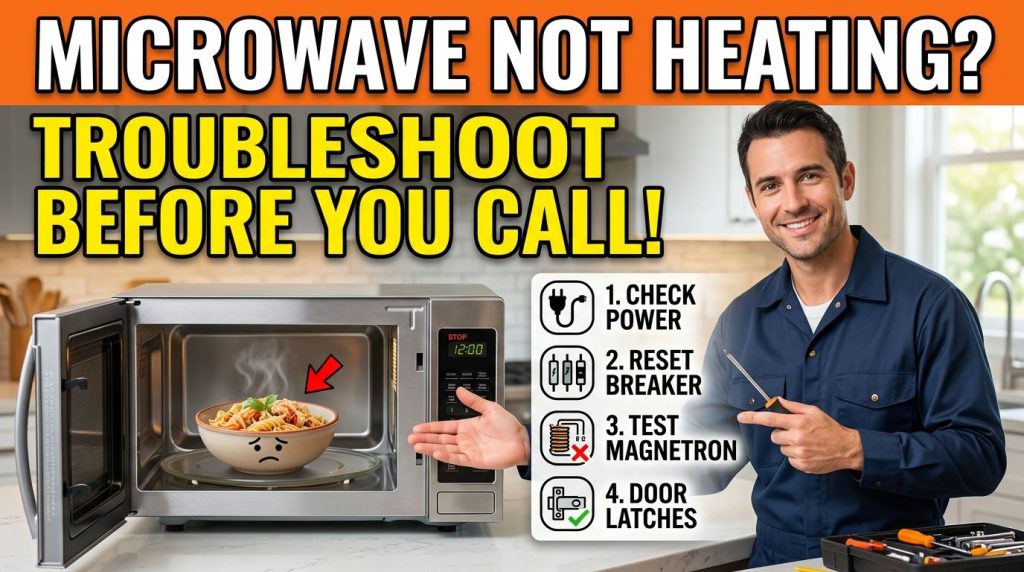
Your microwave is running, the turntable is spinning, the light is on but the food comes out stone cold. This guide walks you through every reasonable thing you can check yourself, and tells you honestly when it’s time to call a pro. Microwaves are one of those appliances we barely think about until they stop working. Then, suddenly, reheating last night’s leftovers feels like a logistical problem. Richmond homes run the full range older houses in established neighborhoods with aging appliances, newer builds with builder-grade units that may not have had the best start in life. Whatever you’re working with, the approach is the same: start simple, rule things out systematically, and don’t reach for your wallet until you’ve done a few basic checks. At Top Appliance Repair Richmond, we get calls about microwaves that won’t heat more than you’d expect. And honestly, a surprising number of them turn out to be something the homeowner could have sorted out in five minutes.
Key takeaways
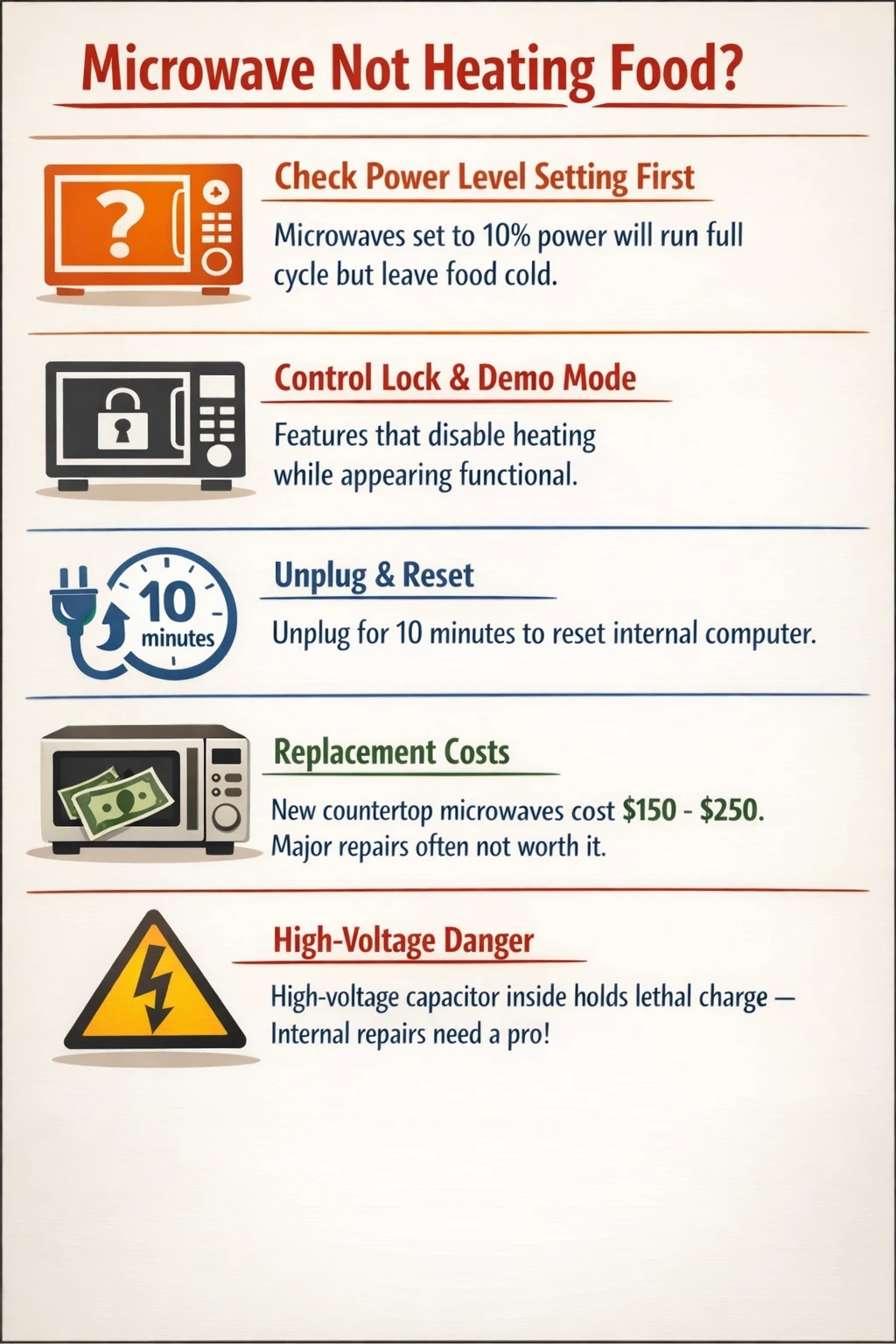
- Before assuming a part is broken, always check the power level setting a microwave accidentally set to 10% power will run through a full cycle and leave food cold.
- Control Lock and Demo Mode are two built-in features that can make a microwave appear functional while doing nothing to heat your food.
- A faulty door switch is one of the more common causes of a microwave that runs but won’t heat, and it’s worth ruling out early in your troubleshooting.
- Unplugging a microwave for 10 minutes can reset its internal computer and sometimes clears a heating issue that started after a power fluctuation.
- Replacing a countertop microwave often costs $150-$250 or less a repair involving major internal components may not make financial sense unless you have a high-end built-in unit.
- The high-voltage capacitor inside a microwave can hold a lethal charge even after the unit is unplugged internal component inspection should always be left to a qualified technician.
Why your microwave stopped heating
A microwave that runs but produces no heat is almost always caused by one of two things: a setting that’s interfering with the heating cycle, or a failed internal component. 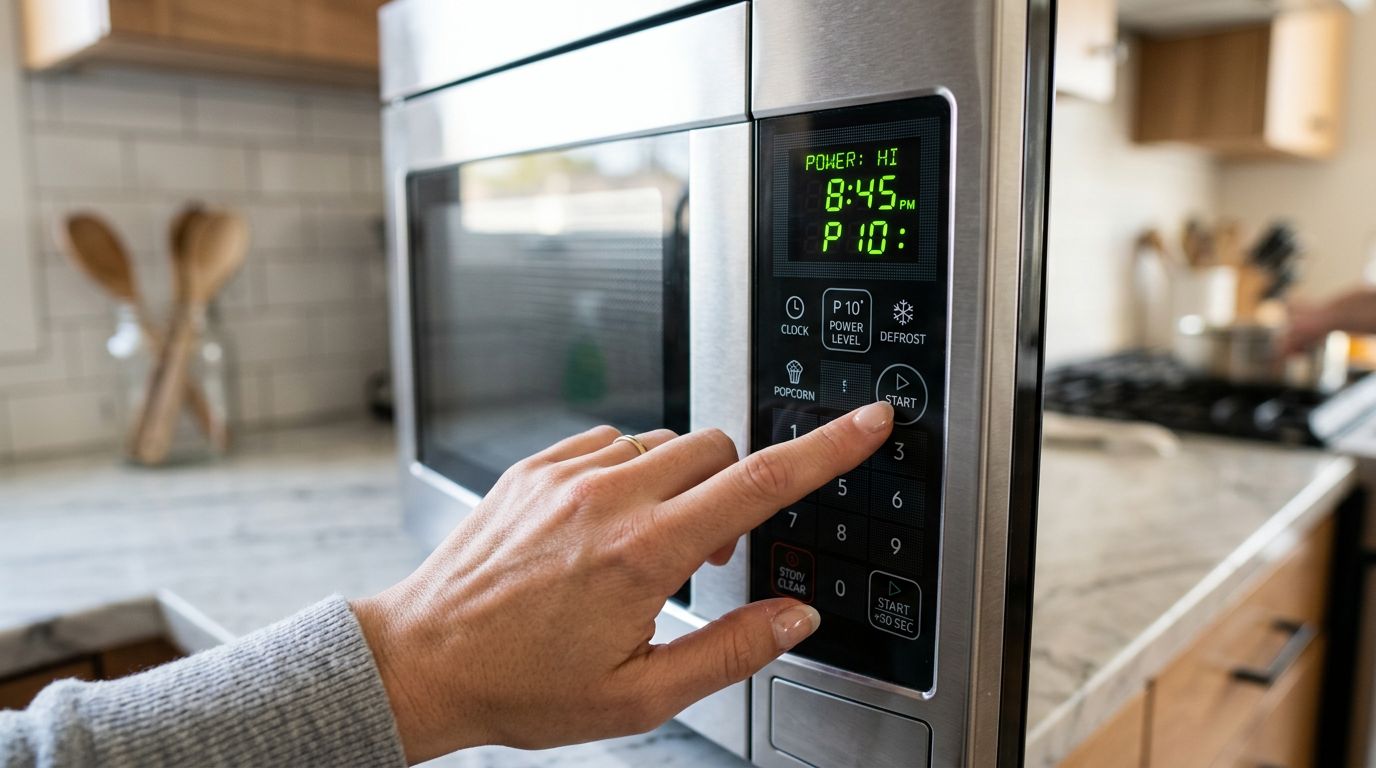 The good news is that the settings issues are easy to check yourself in a few minutes. The component failures things like a blown magnetron, a failed high-voltage diode, or a damaged door switch need a professional. Start with the obvious. Open the door, close it firmly, and listen for the latch clicking into place. Check the power level display. Look at the control panel for any indicator codes. These take thirty seconds and they catch more problems than you’d think. We see this regularly a family in the Westover Hills area calls convinced their microwave is dead, and it turns out someone hit the wrong button and locked the interface. Worth checking before you do anything else.
Settings that can make your microwave look broken
 This is where most people start and, thankfully, where a lot of stories end.
Power level set too low
Most microwaves offer somewhere between five and ten power levels. If yours is set to level 1 or 2 out of 10, it will run its full timer and produce almost no heat. It’s not broken it’s just set wrong. Check the display before you start the cycle and make sure it shows 100% or “PL 10” or whatever your model uses to indicate full power. This happens more than it should. Someone changes the power level for a specific recipe, forgets to change it back, and the next person to use the machine can’t figure out why their coffee is still cold after two minutes.
Control lock mode
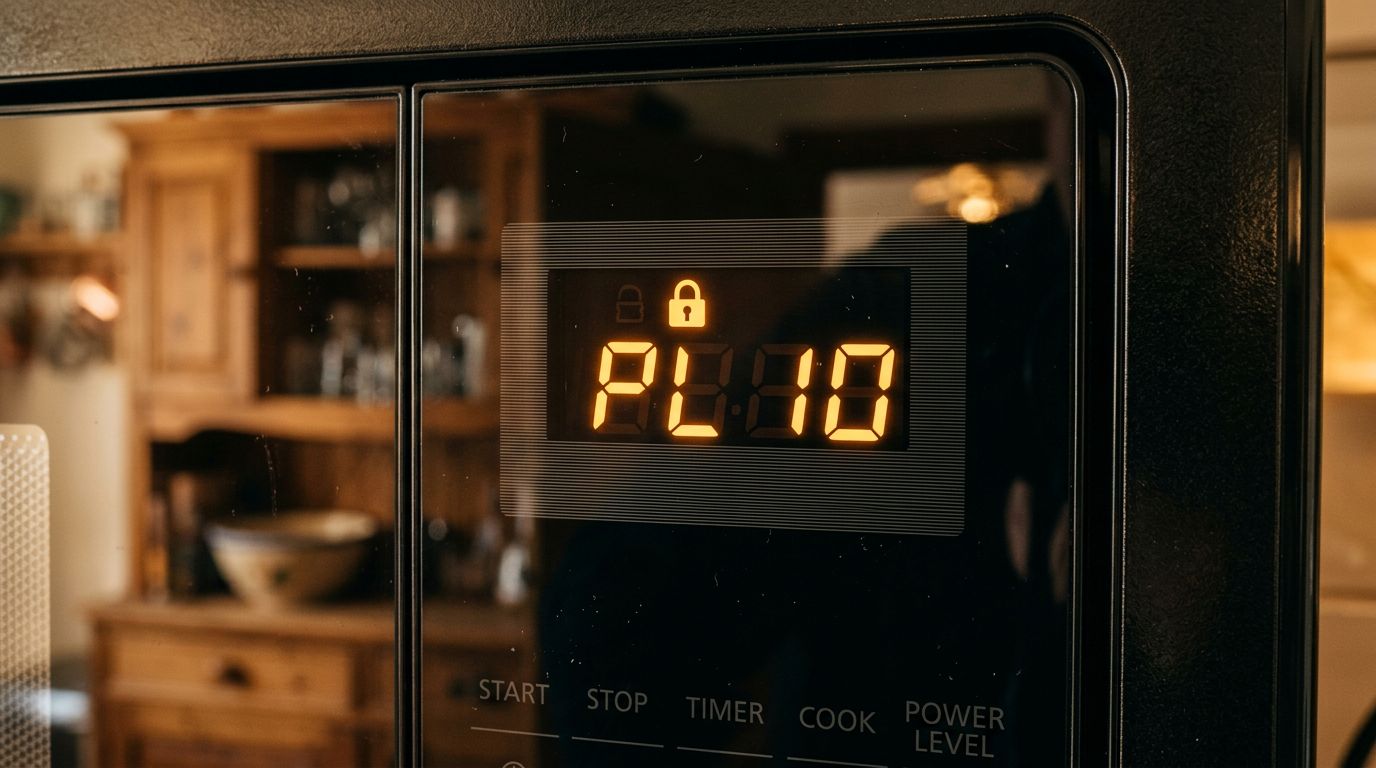
Many microwaves have a Control Lock function it’s designed to prevent the microwave from starting accidentally while you’re wiping down the panel. When it’s active, the machine may appear to accept your inputs and even start a “cycle,” but the heating won’t engage. Look for a lock icon on the display, or a code like “LOC” or “L.” Check your owner’s manual for how to disable it on your specific model. On many GE models, for example, you hold the “Set Clock” button for three seconds. Whirlpool models often show an “L” on the panel when locked.
Demo mode
This one catches people off guard. Demo Mode exists so that appliances on a showroom floor can look operational without actually running the heating cycle. If your microwave was recently moved, reset, or had a power interruption, it can sometimes end up in this mode. In Demo Mode, the light comes on, the turntable spins, and the fan runs but the magnetron never activates. Your food sits there at room temperature while the microwave performs its little show. Again, the owner’s manual will tell you how to exit this mode.
Delay start
Some microwave models let you schedule when a cooking cycle begins. If you hit start and the microwave does nothing, double-check that Delay Start hasn’t been accidentally engaged. Cancel any active program and try setting a fresh cycle from scratch.
Simple hardware checks you can do yourself
If the settings all look correct, there are a few more things worth checking before you call anyone.
Power supply
Plug a lamp or phone charger into the same outlet. If it doesn’t work, your problem is the circuit, not the microwave. Check your breaker box and look for any tripped breakers. While you’re at it if your microwave is plugged into a power strip or extension cord, try plugging it directly into a wall outlet. Shared power strips can cause voltage drops that affect heating performance and, over time, can shorten the life of the appliance.
The 10-minute reset
Unplug the microwave completely and leave it unplugged for a full ten minutes. This clears the internal computer and can resolve issues caused by power fluctuations. Plug it back in, set a full power level, and try heating a cup of cold water for two minutes. If it’s heating, you’re done. If the water is still cold, the problem is deeper.
The door
Microwaves have a safety system that prevents them from operating when the door is open. This makes sense you don’t want microwave energy escaping into the kitchen. There’s a door switch (sometimes called an interlock switch) that the door latch triggers when it closes. If this switch is faulty or the latch isn’t catching fully, the microwave may appear to run while the heating circuit stays open. A simple test: does the interior light come on when you open the door? Does it go off when you close it? If the light stays on with the door closed, or doesn’t come on at all, the door switch may be the issue. This part is fairly inexpensive, but accessing it usually means disassembling the control panel and dealing with connected wiring that’s a job for a technician.
When the problem is inside the machine
If none of the above fixes anything, the heating problem is almost certainly a failed component. This is where the troubleshooting changes character. You can understand what these parts do, but you should not attempt to replace them yourself unless you have professional electrical training.
The magnetron
The magnetron is the heart of every microwave. It generates the electromagnetic waves that heat your food. When it fails, the microwave runs the fan, the light, the turntable but no heat is produced. Magnetrons wear out over time. Heavy daily use accelerates that timeline. A failed magnetron sometimes takes out a fuse as it goes, which can lead to other components appearing to fail as well. Testing a magnetron requires a multimeter and, critically, first discharging the high-voltage capacitor. That capacitor is not something to approach casually. It can hold thousands of volts even after the microwave has been unplugged. This is not an exaggeration and it’s not something professionals say to protect their business former Whirlpool technicians have said publicly that microwaves were the one appliance their technical staff were prohibited from giving DIY repair advice about, specifically because of the capacitor risk. The magnetron also contains beryllium oxide, a compound that can cause permanent lung damage if the component is cracked or chipped and the dust is inhaled.
The high-voltage diode
The high-voltage diode works alongside the magnetron. It converts the current from the transformer into the form the magnetron needs to operate. A failed diode often produces a loud humming or buzzing sound during operation. Like the magnetron, accessing and testing it requires discharging the capacitor first. Not a DIY job.
The thermal fuse
Some microwaves have a thermal fuse that cuts power to the magnetron if the unit overheats. If this fuse is blown, the microwave will appear to function normally you can set it, start it, and run it through a full cycle but no heat is produced. A blown fuse is sometimes a symptom of a deeper problem (like a failing magnetron running hot), so replacing just the fuse without diagnosing why it blew can lead to the same failure repeating.
Is it worth repairing?
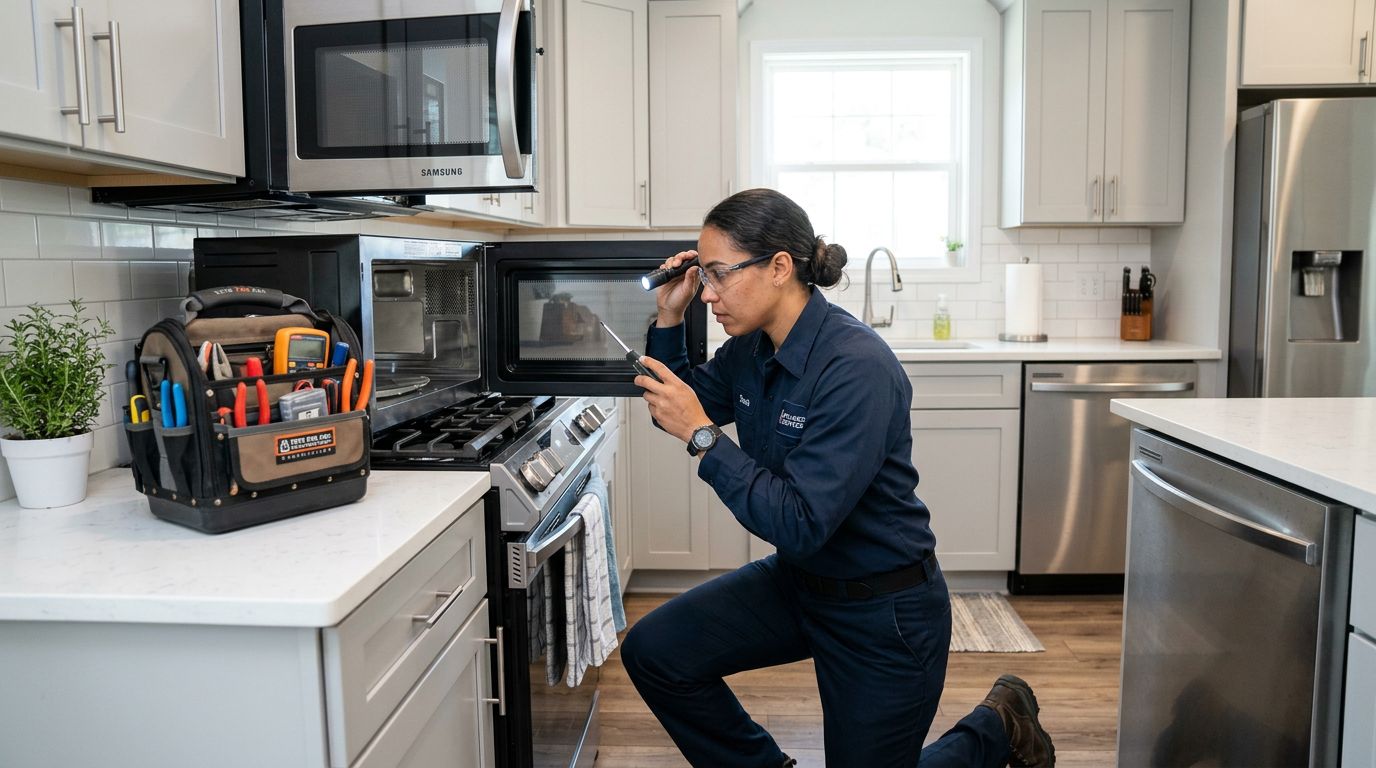 Honest answer: it depends on what you have. A basic countertop microwave costs $150 to $250 to replace new. If a repair involves the magnetron, the diagnostic fee, parts, and labor can easily approach or exceed that number. For a simple countertop unit, replacement often makes more financial sense especially if the machine is more than five to eight years old. Built-in units are a different calculation. A built-in microwave, particularly one that’s part of a matched kitchen suite or integrated into cabinetry, can cost significantly more to replace. Factor in the cost of a trim kit ($100 to $200 for many models), the installation labor, and the disruption to your kitchen, and suddenly a repair quote looks a lot more reasonable. We see this often in some of the older homes around Forest Hill, where built-in units have been in place for years and the homeowners understandably don’t want to pull apart the cabinetry for a replacement. A useful rule: if the repair cost is more than 50% of the replacement cost, lean toward replacement. If it’s less than that and the machine is not old enough to expect other failures soon repair can be the smarter call. The U.S. Department of Energy’s guidance on home appliances is worth reading if you’re weighing repair vs. replacement more broadly. And for model-specific information, the Consumer Reports microwave reliability data can give you a sense of how your brand has performed over time.
Frequently asked questions
These are the questions we hear most often when homeowners are trying to figure out what’s going on with a microwave that won’t heat. If you’ve read through the sections above, some of these will already make sense but they’re worth addressing directly.
Why is my microwave running but not heating food?
The most common reasons are a setting problem (power level too low, Control Lock active, or Demo Mode engaged) or a failed internal component like the magnetron, high-voltage diode, or door switch. Start by checking settings and doing a 10-minute power reset. If the problem persists after that, a component has likely failed and the machine needs professional diagnosis. It’s also worth checking the door latch carefully. A door switch that isn’t triggering properly can allow the machine to appear to run a full cycle while the heating circuit stays inactive the whole time.
Can I repair a microwave myself?
You can handle settings-related troubleshooting yourself power levels, control locks, and resets are all fair game. What you should not do is open the cabinet and start testing or replacing internal components. The high-voltage capacitor inside a microwave retains a charge that can be fatal even after the unit is unplugged. Beryllium oxide in and around the magnetron presents a permanent lung hazard if disturbed. These are not risks worth taking to save on a repair bill. If you want to understand what a technician will be looking at, the general repair guidance available through appliance resource sites explains the component testing process clearly.
How do I know if my microwave magnetron is broken?
The clearest sign is a microwave that runs completely normally fan, light, turntable but produces no heat whatsoever. Sometimes a failing magnetron also produces a loud buzzing or humming sound during operation, or causes the machine to trip a fuse. You cannot diagnose a magnetron without a multimeter and the technical knowledge to safely discharge the capacitor first. If you’re getting zero heat and settings are not the cause, assume the magnetron or diode until a technician tells you otherwise.
Is it worth fixing a microwave or should I just replace it?
For countertop models under $200, replacement is often the practical choice once the repair involves major components. For built-in units, over-the-range microwaves, or higher-end models, repair can make more sense financially. The general guideline is: if the repair quote is more than half the cost of a comparable replacement, lean toward buying new. Age matters too a microwave that gets used several times a day every day typically has a lifespan of around five years. Lighter use can stretch that considerably.
Wrapping up
Most microwaves that “stop working” haven’t actually failed they’re stuck in a mode or setting that’s blocking the heating cycle. Check your power level, look for a lock indicator on the display, do the 10-minute reset, and confirm your outlet is working. These steps catch a lot of problems quickly. If you’ve done all of that and the machine still produces no heat, you’re looking at a component failure most likely the magnetron, a door switch, or the high-voltage diode and that’s a job for a technician, full stop. If you’re in the Richmond area and not sure what you’re dealing with, give Top Appliance Repair Richmond a call. We handle microwave issues along with a full range of appliance repair washer repair, dryer repair, fridge and freezer problems, stove and oven repair, dishwasher repair, and more across Richmond and the surrounding communities. We’ll help you figure out whether a repair makes sense for your situation or whether replacement is the smarter move. No pressure either way just a straight answer.